Enrolling nowCourse 01 — Dental EditingEnglish · العربية
All you need in dental editing. Turn your clinical photos into clean, consistent case presentations, step by step in Keynote and Photoshop.
 doctorpablo
academy
Everything between the shot and the presentation, taught the way Doctor Pablo edits his own cases.
- 16
- video lessons
- 18
- skills
- 2
- languages
- 2
- tools
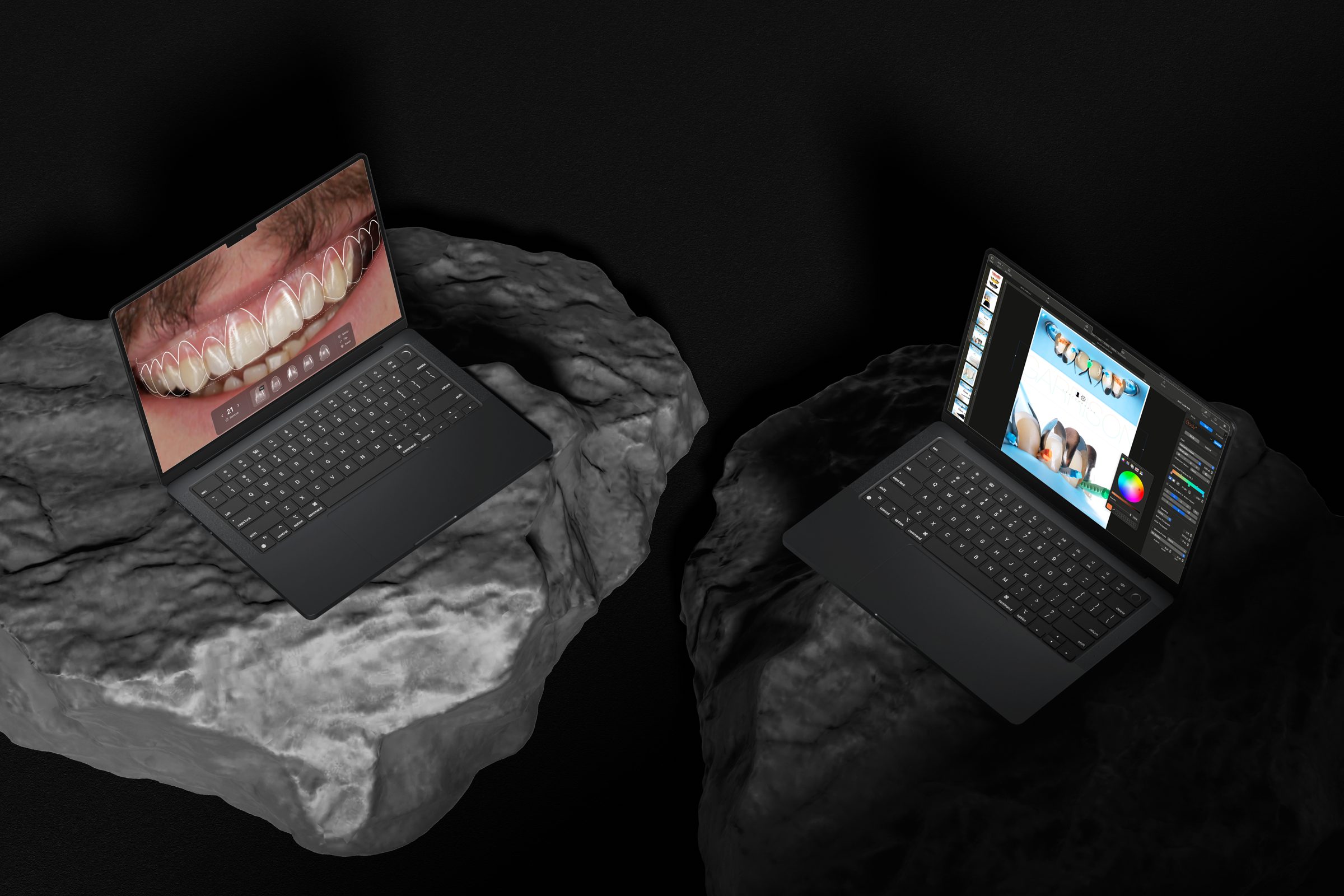
Skills you will learn
From the first crop to a finished, Instagram-ready case.
- Overlaying
- Cropping
- Image Selection
- Fonts Selection
- Editing Basis
- Dental Color-Grading
- Grouping
- Shape Modifying
- Art of Symmetry
- Text Overlays
- Cont. Posts
- Grids
- Instagram Basis
- Close Shots
- Points Editing
- Theme Cloning
- Quality Tricks
- Cases Documentation
Curriculum
16 video lessons, available in English and Arabic.
MODULE 01Course Curriculum14 lessons
- 01IntroductionVideo
- 02Episode 1Video
- 03Episode 2Video
- 04Episode 3 (Part 1)Video
- 05Episode 3 (Part 2)Video
- 06Episode 4Video
- 07Episode 5Video
- 08Episode 6Video
- 09Episode 7Video
- 10Episode 8Video
- 11Episode 9Video
- 12Episode 10Video
- 13Episode 11Video
- 14Episode 12Video
MODULE 02DSD Special Sessions2 lessons
- 15DSD (Part 1)Video
- 16DSD (Part 2)Video
Your tools
No special software. Two apps you already know, used like a pro.
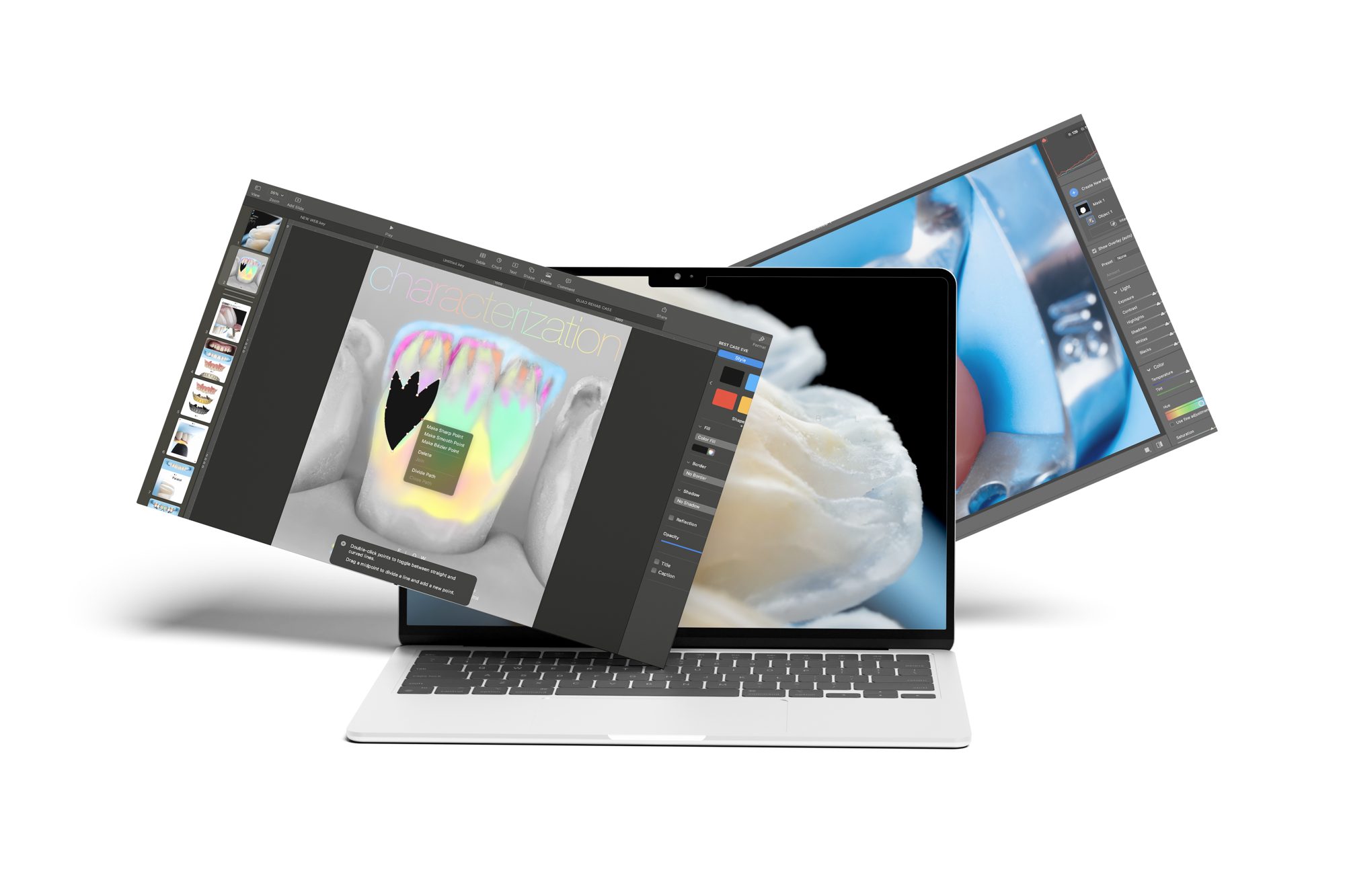
 KeynoteLayouts, grids, overlays and text for clean case presentations.
 PhotoshopColor-grading, selection and quality tricks that keep the clinical detail true.
Enroll today
500AED
One payment. Pick your language.
- Full course access
- 16 video lessons
- English version
- Lifetime access
Already enrolled? Go to my courses
More courses
One academy, three ways to level up your clinical documentation.